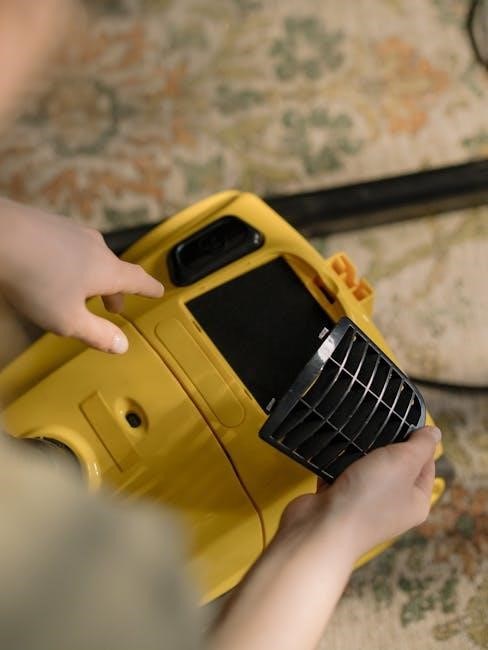
Dyson DC14 Vacuum: A Comprehensive Manual Guide
Welcome! This guide provides detailed instructions for various DC14 models, including Origin, All Floors, and Animal. Access free PDF downloads, troubleshooting, and support resources here.
The Dyson DC14 represents a significant advancement in vacuum cleaner technology, utilizing Dyson’s patented Root Cyclone technology for powerful, consistent suction. Released as a popular model within the Dyson lineup, the DC14 is known for its robust build quality and effective cleaning performance on various floor types. This comprehensive manual aims to provide users with a thorough understanding of their DC14 vacuum, covering everything from initial setup and operation to detailed maintenance procedures and troubleshooting tips.
Several variations of the DC14 were produced, including the Origin, All Floors, Allergy, Animal, and Blitz It models, each tailored to specific cleaning needs. Understanding your specific model is crucial for optimal performance. This guide references information applicable to all DC14 variants, while also highlighting any model-specific considerations. Proper use and maintenance, as outlined in the official Dyson documentation, will ensure your DC14 continues to deliver exceptional cleaning results for years to come. Refer to the provided resources for warranty details and helpline contact information.
DC14 Model Variations
The Dyson DC14 series encompassed a range of models designed to cater to diverse cleaning requirements and user preferences. Key variations include the DC14 Origin, a standard model offering core Dyson cleaning performance; the DC14 All Floors, optimized for seamless transitions between hard floors and carpets; and the DC14 Allergy, featuring enhanced filtration to capture allergens and dust mites.
Further options included the DC14 Animal, specifically engineered with tools to tackle pet hair and dander, and the DC14 Blitz It, often bundled with additional accessories for versatile cleaning. While core functionality remained consistent across the range, each model featured unique tool configurations and potentially slight design modifications. Identifying your specific DC14 model is essential for accessing the most relevant support materials and replacement parts. Referencing the model number, typically found on the machine itself, will ensure compatibility when ordering accessories or seeking assistance from Dyson’s customer support team.
Understanding the Components
The Dyson DC14 is comprised of several key components working in harmony to deliver powerful suction. These include the main body housing the motor and cyclone technology, the wand for reaching high and awkward areas, and a variety of tool attachments designed for specific cleaning tasks. Crucially, the dust bin collects debris, while the pre-motor filter protects the motor from dust damage.
The post-motor filter further refines the air before it’s exhausted, and the brush bar, located within the cleaner head, agitates carpets to loosen dirt. Understanding the function of each part is vital for effective maintenance and troubleshooting. Regular inspection of the brush bar for obstructions, and cleaning or replacing the filters, ensures optimal performance. Familiarize yourself with the location of each component as outlined in the official Dyson DC14 manual for safe disassembly and reassembly during maintenance procedures.
Operating Your Dyson DC14
Begin by assembling the components correctly. Power on, adjust suction, and select the appropriate floor setting for optimal cleaning performance and efficiency.
Initial Setup and Assembly
Unboxing and Component Check: Carefully unpack your Dyson DC14 and verify all components are present. This includes the main body, wand, floor tool, crevice tool, and any additional attachments specific to your model (e.g., the Turbine head for pet hair). Refer to the included quick start guide for a visual inventory.
Assembling the Wand and Floor Tool: Firmly click the wand into the main body of the vacuum. Ensure it locks securely into place. Next, attach the desired floor tool – the combination tool is versatile for most surfaces, while specialized tools cater to specific needs. A distinct ‘click’ confirms a proper connection.
Connecting the Hose (if applicable): Some DC14 variations feature a hose. Connect it securely to both the wand and the main body, again listening for the locking sound. Improper assembly can reduce suction power. Always double-check all connections before operation to guarantee optimal performance and prevent accidental disconnections during use.
Powering On and Off
Initiating Operation: To power on your Dyson DC14, locate the power button, typically situated on the main body near the handle. Press the button firmly; a clear indication of power-on is the motor starting and the machine becoming operational. Ensure the machine is securely assembled with a floor tool or wand attached before activation.
Powering Down: To switch off the DC14, simply press the power button again. The motor will cease operation, indicating the vacuum is off. It’s advisable to fully power down the machine between cleaning tasks or when making adjustments to attachments.
Troubleshooting Power Issues: If the DC14 fails to power on, check the power cord connection to the outlet. Also, verify the dust bin isn’t full, as this can trigger a safety shut-off. If issues persist, consult the troubleshooting section or Dyson support.
Adjusting Suction Control
Variable Suction: The Dyson DC14 features adjustable suction control, allowing optimization for different surfaces. This is typically managed via a slider or dial located on the vacuum’s wand or main body. Lowering suction is beneficial for delicate fabrics like curtains or lightweight rugs, preventing damage and ensuring effective cleaning.
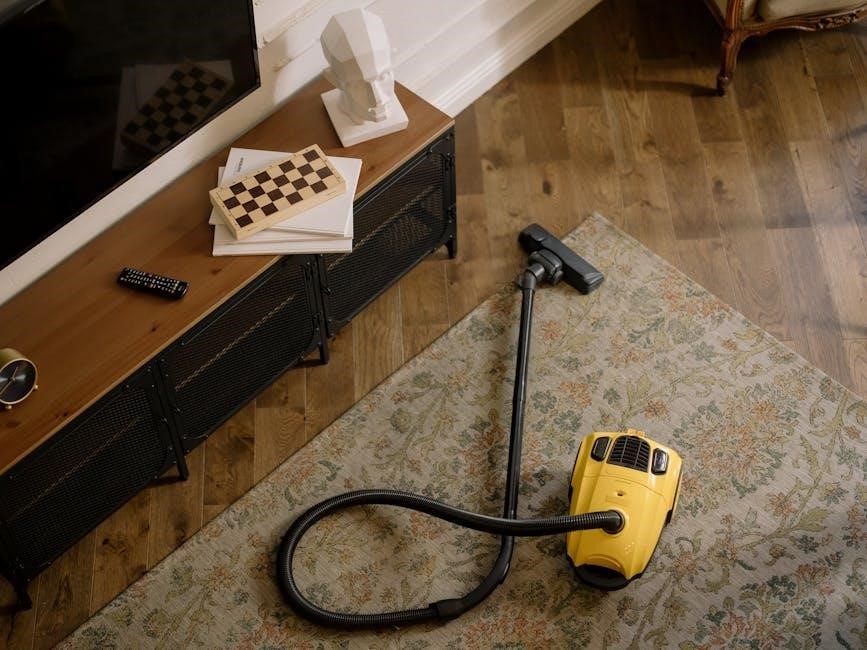
Maximizing Performance: For robust cleaning on hard floors or thick carpets, increase the suction to its maximum setting. This enhances dirt and debris removal. Observe the floorhead; if it feels difficult to push, reduce suction to a more manageable level.
Understanding Settings: Experiment with the various suction levels to find the optimal balance between cleaning power and maneuverability for each cleaning task. Proper suction adjustment extends filter life and improves overall performance.
Using Different Floor Settings
Floorhead Selection: The DC14 often comes with, or is compatible with, different floorheads designed for specific surfaces. Utilize the appropriate floorhead for optimal cleaning results. A combination floorhead typically works well on both hard floors and carpets.
Carpet Mode: When vacuuming carpets, ensure the brush bar is rotating. The DC14 automatically adjusts to lift dirt embedded deep within carpet fibers. For thicker carpets, maximize suction for enhanced performance.
Hard Floor Mode: For hard floors, switch to a setting that minimizes brush bar rotation or utilizes a soft brush head to avoid scratching. Lowering suction can also prevent scattering of debris. Regularly check for and remove any obstructions from the brush bar.

Maintenance and Troubleshooting
Regular upkeep ensures peak performance. This section details emptying the bin, filter cleaning, and blockage checks for your Dyson DC14 vacuum cleaner.
Emptying the Dust Bin
Maintaining optimal suction requires regularly emptying the dust bin of your Dyson DC14. Begin by powering off the vacuum and disconnecting it from any power source. Locate the dust bin release mechanism – typically a button or lever – and depress it to detach the bin from the main body of the vacuum.
Hold the bin over a suitable waste receptacle, ensuring a controlled emptying process to minimize dust dispersal. Some models feature a ‘wipe-clean’ emptying system; utilize this if available. Once emptied, reattach the dust bin securely, ensuring it clicks firmly into place. A properly sealed bin is crucial for maintaining suction power.
Important Note: Do not overfill the dust bin, as this can impede airflow and reduce cleaning efficiency. Empty frequently during use, especially when vacuuming fine dust or debris. Regular emptying contributes significantly to the longevity and performance of your Dyson DC14.
Washing the Pre-Motor Filter
To maintain peak performance, the pre-motor filter of your Dyson DC14 requires periodic washing. Begin by removing the filter – consult your owner’s manual for specific location and removal instructions. Rinse the filter under cold water until the water runs clear, removing accumulated dust and debris. Do not use detergents or cleaning agents, as these can damage the filter material.
After rinsing, gently squeeze out excess water – avoid twisting or wringing, which can distort the filter’s shape. Allow the filter to air dry completely for a minimum of 24 hours before reinstalling it. Never reinsert a damp filter, as this can cause damage to the motor.
A clean pre-motor filter ensures optimal airflow and prevents dust from reaching the motor. Wash the filter regularly, typically every few months, depending on usage. Refer to the official Dyson DC14 manual for detailed guidance.
Cleaning the Post-Motor Filter
Maintaining a clean post-motor filter is crucial for your Dyson DC14’s longevity and performance. Locate the filter – your owner’s manual provides specific instructions for access. Unlike the pre-motor filter, the post-motor filter typically requires more thorough cleaning, but avoid detergents. Gently tap the filter to dislodge loose dust and debris.
For deeper cleaning, rinse the filter under cold water, ensuring the water flows through the filter, not against it. Continue rinsing until the water runs clear. Gently squeeze out excess water, avoiding twisting or wringing. Complete air drying is essential – allow at least 24 hours before reinstallation.
A clean post-motor filter helps prevent motor overheating and ensures efficient operation. Check and clean this filter regularly, as outlined in the official Dyson DC14 manual, for optimal suction power.
Checking for Blockages – Wand
A blocked wand significantly reduces suction power in your Dyson DC14. Begin by detaching the wand from both the main body and any attached tools. Visually inspect the wand’s interior for visible obstructions like dust bunnies, hair, or larger debris; Use a long, flexible tool – a broom handle or similar – to gently push through any blockage from one end.
If the blockage is stubborn, try shining a flashlight through the wand to pinpoint its location. Avoid using sharp objects that could damage the wand’s interior. Ensure the wand connection points are also clear of debris.
Refer to your DC14 owner’s manual for diagrams illustrating proper wand disassembly and inspection. Regularly checking the wand prevents strain on the motor and maintains optimal cleaning performance.
Checking for Blockages – Main Body
Reduced suction despite a clear wand often indicates a blockage within the Dyson DC14’s main body. First, disconnect the wand and hose. Inspect the opening where the wand connects to the main body, removing any visible debris. Next, access the cyclone assembly – consult your owner’s manual for specific instructions, as access varies by model.
Carefully examine the cyclone for blockages, using a soft brush or long tool to dislodge any trapped dust or hair. Pay close attention to the airway leading to the motor. A complete blockage here can cause overheating.
Remember to power off and unplug the vacuum before any internal inspection. Regular checks prevent motor strain and ensure consistent cleaning performance. Refer to the official Dyson DC14 manual for detailed diagrams.
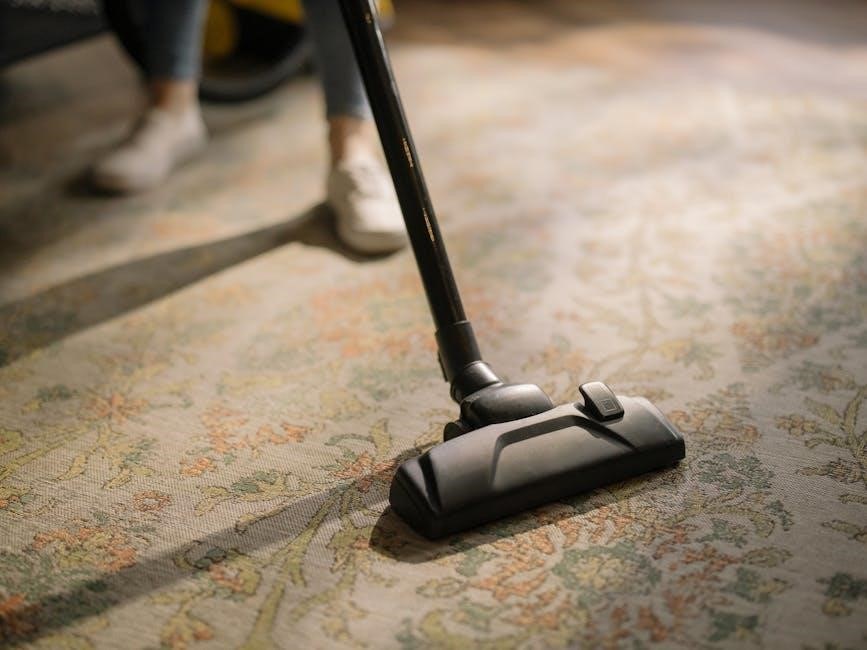
Advanced DC14 Features & Issues
Explore Root Cyclone technology, brush bar care, error code solutions, and power troubleshooting for your Dyson DC14, maximizing its cleaning potential and lifespan.
Root Cyclone Technology Explained
Dyson’s Root Cyclone technology is a core innovation within the DC14, fundamentally changing how vacuum cleaners separate dust and dirt. Unlike traditional vacuums that rely on airflow diminishing through a filter, the Root Cyclone creates a high-centrifugal force. This force spins dust and dirt out of the airflow and directly into the dust bin.
This patented system maintains consistent suction power throughout the cleaning process, preventing the loss of suction as the bin fills. Multiple cyclones work in parallel, each addressing different particle sizes, ensuring efficient separation. The DC14 utilizes this to capture even microscopic particles, improving air quality.
Understanding this technology is crucial for optimal performance. A clogged cyclone or full dust bin will reduce efficiency. Regular maintenance, as detailed in this manual, ensures the Root Cyclone continues to operate at its peak, delivering powerful and consistent cleaning.
Brush Bar Maintenance
Maintaining the DC14’s brush bar is vital for effective floor cleaning. Regularly inspect the brush bar for tangled hair, fibers, and debris, as these obstructions significantly reduce cleaning performance. Power off and unplug the vacuum before any maintenance. Accessing the brush bar typically involves removing the soleplate – consult the ‘Understanding the Components’ section for specific instructions.
Carefully remove any wrapped materials using scissors or the provided detangling tool. Check the brush bar’s motor for any signs of damage or blockage. Ensure the brush bar spins freely after cleaning. If the brush bar is excessively worn, consider replacement – genuine Dyson parts are recommended.
Proper brush bar maintenance extends the life of your DC14 and ensures optimal suction and cleaning power. Neglecting this can lead to motor strain and reduced cleaning effectiveness.
Addressing Common Error Codes
The Dyson DC14, while robust, may occasionally display error indications. While specific codes aren’t widely documented for this model, common issues manifest as power failures or reduced suction. If the machine repeatedly shuts off after a short run time, check the filters – a clogged filter restricts airflow and triggers safety cutoffs. Ensure both the pre-motor and post-motor filters are clean and properly seated.
Blockages are another frequent cause of operational problems. Systematically check the wand, hose, and main body for obstructions, as detailed in the ‘Checking for Blockages’ sections. A tripped thermal cutoff switch, due to overheating, can also cause shutdown; allow the machine to cool before restarting.
If issues persist, consult the official Dyson support website or helpline for further assistance and potential troubleshooting steps specific to your DC14 model.
DC14 Power Issues & Solutions
Experiencing power problems with your Dyson DC14? Several factors could be at play. First, verify the power cord is securely connected to both the vacuum and a functioning outlet. A blown fuse or tripped circuit breaker should also be checked. If the vacuum starts but quickly shuts off, a clogged filter is a prime suspect – restricted airflow triggers automatic shut-off to prevent overheating.
Internal blockages significantly strain the motor, potentially leading to power failure. Thoroughly inspect the wand, hose, and main body for obstructions. A faulty motor or power supply is less common but possible; professional repair may be required in such cases.
Remember to consult the official Dyson documentation or helpline for model-specific guidance and potential warranty coverage before attempting complex repairs.
Dyson DC14 Support & Resources
Need assistance? Find replacement parts, access the official DC14 manual in PDF format, or contact the Dyson Helpline for expert support and warranty details.
Finding Replacement Parts
Maintaining your Dyson DC14 often requires replacing worn components to ensure optimal performance. Fortunately, sourcing genuine Dyson replacement parts is readily achievable through several avenues. Dyson’s official website provides a comprehensive parts store, allowing you to identify compatible components specifically for your DC14 model – whether it’s an Origin, All Floors, Allergy, Animal, or Blitz It version.
Alternatively, numerous authorized Dyson retailers and third-party online marketplaces offer a wide selection of DC14 parts. When purchasing from external sources, verifying the authenticity of the parts is crucial to avoid compatibility issues or reduced cleaning efficiency. Look for official Dyson branding and reputable sellers; Common replacement parts include brush bars, filters (pre-motor and post-motor), wands, and dust bin components. Regularly replacing these parts will extend the lifespan of your DC14 and maintain its powerful suction capabilities.
Accessing the Official Dyson DC14 Manual (PDF)
Need a detailed reference guide? The official Dyson DC14 owner’s manual in PDF format is easily accessible online. Dyson provides downloadable manuals for all DC14 variations, including the Origin, All Floors, Allergy, Animal, and Blitz It models, directly on their website. This comprehensive document covers everything from initial setup and assembly to detailed maintenance procedures and troubleshooting steps.
Downloading the PDF allows you to conveniently view the manual on any device – computer, tablet, or smartphone – without needing an internet connection after the initial download. The manual includes diagrams illustrating component locations, step-by-step instructions for cleaning and filter replacement, and explanations of error codes. It also outlines important safety precautions and warranty information. You can find a direct link to the DC14 manual section on Dyson’s support website, ensuring you have the most up-to-date version available.
Dyson Helpline Contact Information
Experiencing issues or need personalized assistance? Dyson offers a dedicated helpline to support DC14 owners. For immediate help with your vacuum, you can reach the Dyson Helpline at 1-866-693-9766. This service is available to answer questions regarding operation, maintenance, troubleshooting, and warranty claims related to your DC14 model – whether it’s the Origin, All Floors, Allergy, Animal, or another variation.
The helpline team can guide you through diagnosing problems, ordering replacement parts, and understanding error codes. They can also provide clarification on the information found in the official DC14 owner’s manual. Beyond phone support, Dyson’s website, www.dyson.com, offers extensive online resources, including FAQs, video tutorials, and a live chat option for quick assistance. Utilizing these resources ensures you receive the support needed to keep your Dyson DC14 performing optimally.
Warranty Information for DC14 Models
Protecting your investment is crucial. Dyson provides a comprehensive warranty for all DC14 vacuum cleaners, covering original defects in materials and workmanship. This warranty is valid for a period of two years from the original date of purchase. However, it’s essential to understand the terms and conditions to ensure your claim is processed smoothly.
The warranty applies only when the DC14 is used for private household purposes and operated according to the guidelines outlined in the Owner’s Manual. Commercial use voids the warranty. Damage resulting from misuse, negligence, unauthorized repairs, or normal wear and tear is not covered. To initiate a warranty claim, retain your proof of purchase and contact the Dyson Helpline at 1-866-693-9766 or visit www.dyson.com. Proper registration of your DC14 can streamline the warranty process, so consider registering your product online.
No Responses